
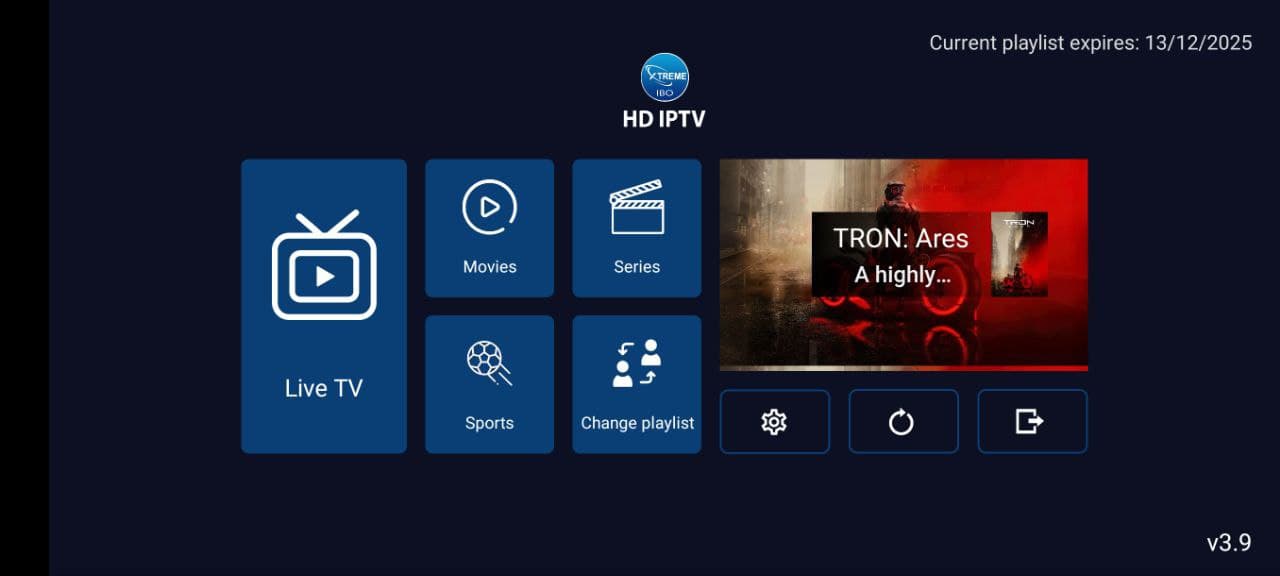
Xtreme HD IPTV App
Install the Xtreme HD IPTV app with the Downloader app using our Downloader code, then sign in with the details you receive from support.
Get the app
Xtreme HD IPTV App Downloader
Install the Xtreme HD IPTV app quickly using the Downloader app. Enter the code below to open the Xtreme HD IPTV download page.
Downloader Code
9541272
Short URL
aftv.news/9541272
Make sure you enter the code exactly as shown.
Step 01: Open Downloader
Open the Downloader app on your compatible device.
Step 02: Enter the Code
Enter the Xtreme HD IPTV Downloader Code:
9541272
Step 03: Open & Install
Continue to the download page using the provided code or short URL and follow the on-screen installation instructions.
Need more help? See the installation guide, check supported devices or compare plans.
Next steps
After you install the Xtreme HD IPTV app
The app needs your subscription details to show content.
Choose a plan on the pricing page, such as the 12-month plan for 1 device, or ask about multi-device and lifetime options. Once you order, support sends the details for your subscription. If you are unsure whether your device is suitable, check supported devices and the general installation guide, or contact us.
Alternatives
Compatible IPTV players
You can also watch through an independent third-party IPTV player. These are common examples people use.
IPTV Smarters
A widely used IPTV player available on several platforms, including Android and iOS.
TiviMate
A popular player for Android TV and Fire TV with a guide-style interface.
Smart IPTV
A player commonly used on some smart TV platforms.
IBO Player
A player commonly used on smart TVs and streaming devices.
IBO Pro Player
A related player with additional features, used on several device types.
These are independent third-party apps. Xtreme HD IPTV does not own, develop or have an official partnership with any of them, and app availability can vary by device, region and version.
Not sure which to choose? Read how to choose an IPTV player or our guide to IPTV apps.